
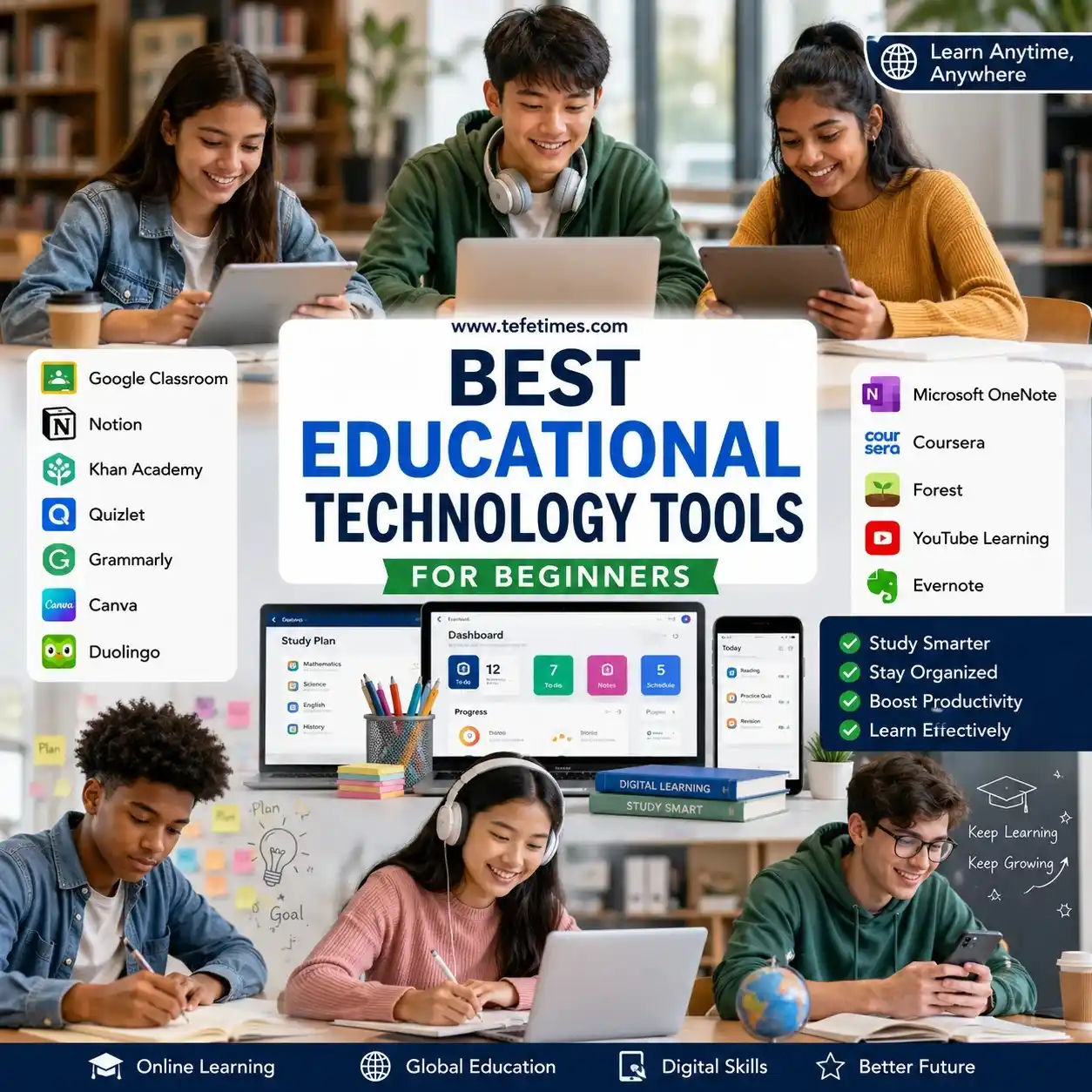
Best Educational Technology Tools for Beginners
Education has changed dramatically in recent years. Students are no longer limited to traditional classrooms, notebooks, and printed textbooks. Technology now plays a major role in helping people learn faster, stay organized, and access knowledge from almost anywhere.
Whether you are a school student preparing for exams, a college learner managing assignments, or someone building new skills independently, educational technology tools can make learning easier and more effective.
You might be wondering: Which educational tools are actually useful for beginners?
The answer depends on your learning goals, study habits, and personal preferences. Some tools help with note-taking. Others improve focus, language learning, collaboration, or time management.
This guide explores the best educational technology tools for beginners, how they work, and practical ways to use them to improve learning outcomes.
For more education and learning resources, visit https://www.tefetimes.com/
What Are Educational Technology Tools?
Educational technology tools are digital platforms, software, or applications designed to improve learning experiences.
They help learners:
- Organize study materials
- Take notes efficiently
- Attend online classes
- Improve productivity
- Collaborate with classmates
- Practice skills interactively
- Track learning progress
Educational technology does not replace learning effort. Instead, it supports students by making education more accessible, interactive, and manageable.
For beginners, starting with the right tools can create stronger study habits and better learning results.
Why Educational Technology Matters Today
Modern education systems increasingly combine traditional teaching with digital learning methods.
Technology helps learners:
| Flexibility | Learn anytime and anywhere |
| Accessibility | Access educational resources globally |
| Better Organization | Manage notes, assignments, and schedules |
| Personalized Learning | Study at your own pace |
| Collaboration | Work with teachers and classmates online |
| Cost Savings | Use free or affordable resources |
A student in India can learn coding from international instructors. A college learner in Canada can collaborate with classmates remotely. A beginner in Brazil can access educational videos without attending physical classes.
Technology has made education more connected than ever.
How to Choose Educational Technology Tools as a Beginner
Before downloading multiple apps, understand your learning needs.
Ask yourself:
1. What do you want to improve?
Examples:
- Better note-taking
- Time management
- Language learning
- Video-based education
- Assignment organization
- Skill development
2. Do you need free or paid tools?
Many excellent educational tools offer free plans suitable for beginners.
3. Does the tool work on your device?
Check compatibility:
- Mobile phones
- Tablets
- Windows computers
- Mac devices
- Web browsers
4. Is the interface beginner-friendly?
Complicated tools often discourage new learners.
Choose tools that feel simple and intuitive.
Best Educational Technology Tools for Beginners
1. Google Classroom
Google Classroom helps teachers and students manage online learning.
Features include:
- Assignment tracking
- Class announcements
- File sharing
- Feedback systems
- Classroom collaboration
Beginners benefit from the platform's simplicity and widespread use in schools.
Practical Example
A student preparing for science exams can receive assignments, submit homework, and review teacher comments without switching multiple apps.
Best for:
- School students
- College learners
- Virtual classrooms
Cost: Free
2. Notion
Notion combines note-taking, planning, organization, and project management.
Beginners can use it to:
- Create study schedules
- Track assignments
- Organize learning materials
- Build productivity systems
Here's what actually works
Instead of saving notes across multiple apps, create one learning dashboard.
Example structure:
Semester Dashboard
- Subject notes
- Weekly goals
- Assignment deadlines
- Reading lists
- Exam preparation checklist
This reduces digital clutter significantly.
Best for:
- College students
- Self-learners
- Productivity-focused learners
Cost: Free plan available
3. Quizlet
Quizlet helps students learn through digital flashcards.
Learning methods include:
- Practice tests
- Flashcards
- Matching games
- Study modes
Let's understand this with an example.
Imagine learning biology terminology.
Instead of repeatedly reading definitions, Quizlet allows repeated active recall practice.
Research consistently shows that active recall improves long-term memory retention.
Best for:
- Language learners
- School students
- Exam preparation
Cost: Free and premium options
4. Grammarly
Writing skills matter across almost every subject.
Grammarly helps beginners improve:
- Grammar
- Sentence clarity
- Spelling
- Writing readability
Students writing essays, assignments, or emails can identify mistakes instantly.
Practical scenario:
A college student submitting an assignment checks grammar before submission.
Small corrections can improve communication quality significantly.
Best for:
- Essay writing
- Academic projects
- English learners
Cost: Free plan available
5. Khan Academy
Khan Academy provides free educational content covering:
- Mathematics
- Science
- Economics
- Computing
- History
Beginners appreciate its structured lessons and practice exercises.
You might be struggling with algebra concepts.
Instead of purchasing expensive tutoring, Khan Academy offers free explanations and guided learning.
Budget-friendly learning methods often work surprisingly well.
Best for:
- School students
- Beginners
- Self-learners
Cost: Free
Trusted educational reference: https://www.khanacademy.org/
6. Canva for Education
Students increasingly create presentations, projects, posters, and visual assignments.
Canva simplifies design creation.
Beginners can build:
- Study presentations
- Infographics
- Educational posters
- Project visuals
Example:
A history student preparing a classroom presentation can use templates instead of designing everything manually.
Visual communication improves learning engagement.
Best for:
- Project work
- Visual learning
- Presentation design
Cost: Free educational options available
7. Duolingo
Learning languages becomes easier through gamified education.
Duolingo supports:
- Vocabulary practice
- Grammar lessons
- Listening exercises
- Daily learning streaks
Small daily practice often creates better learning consistency than occasional long study sessions.
Example:
Learning Spanish for 15 minutes daily produces better habit formation than studying two hours once weekly.
Best for:
- Language beginners
- Self-learners
- Daily learning habits
Cost: Free plan available
8. Forest App
Digital distractions reduce learning productivity.
Forest helps students stay focused.
How it works:
- Set a study timer
- Plant a virtual tree.
- Stay away from distractions.
- Complete focused sessions
If you leave the app during study time, your virtual tree stops growing.
Simple psychology encourages better concentration.
Best for:
- Focus improvement
- Study sessions
- Productivity habits
Cost: Affordable premium version available
9. Microsoft OneNote
OneNote offers digital notebook functionality.
Students can:
- Organize class notes
- Add images
- Record audio
- Create study sections
Practical example:
A university student creates notebooks for:
- Mathematics
- Literature
- Research notes
- Assignment planning
Everything stays organized in one place.
Best for:
- Organized learners
- College students
- Research projects
Cost: Free
10. Coursera
Coursera provides structured online courses from universities and institutions.
Topics include:
- Programming
- Business
- Data science
- Marketing
- Personal development
Beginners can build skills gradually.
Example:
A beginner exploring web development can start introductory programming courses before moving into advanced topics.
Learning step by step reduces overwhelm.
Best for:
- Career growth
- Skill development
- Self-learning
Cost: Free and paid options
Free vs Paid Educational Technology Tools
Many beginners ask:
"Do paid educational tools perform better?"
Not always.
Here's a comparison:
| Cost | Low or zero | Subscription required |
| Beginner Access | Excellent | Good |
| Advanced Features | Limited | More extensive |
| Storage Capacity | Sometimes limited | Larger storage |
| Customization | Basic | Advanced |
Beginners often succeed using free options initially.
Upgrade only when learning needs increase.
Best Tool Combinations for Different Learners
School Students
Recommended setup:
- Google Classroom
- Quizlet
- Forest App
Purpose:
- Homework management
- Exam preparation
- Focus improvement
College Students
Recommended setup:
- Notion
- Grammarly
- OneNote
Purpose:
- Productivity
- Assignment writing
- Organization
Self-Learners
Recommended setup:
- Coursera
- Khan Academy
- Forest
Purpose:
- Skill building
- Structured learning
- Habit development
Common Mistakes Beginners Make
Technology helps learning, but poor habits reduce effectiveness.
Avoid these mistakes:
Using Too Many Tools
Installing ten productivity apps creates confusion.
Start with two or three essential tools.
Ignoring Study Habits
Educational technology supports learning.
It does not replace:
- Consistency
- Revision
- Practice
- Focus
Constant Notifications
Notifications interrupt concentration.
Turn off unnecessary alerts during study sessions.
Choosing Complicated Platforms
Beginners often select advanced systems they never fully use.
Simple tools usually work better initially.
Digital Study Habits That Actually Improve Learning
Technology becomes powerful when combined with good habits.
Use Time Blocking
Example:
8:00–8:45 AM — Reading
9:00–9:30 AM — Practice questions
9:30–10:00 AM — Review notes
Structured study sessions improve focus.
Review Notes Regularly
Do not wait until exams.
Weekly review strengthens long-term memory.
Use Active Learning
Instead of only reading:
- Practice quizzes
- Explain concepts aloud
- Solve problems
- Teach someone else
Create Device-Free Study Periods
Technology supports education.
Too much screen exposure can reduce concentration.
Balance digital and offline learning.
Budget-Friendly Learning Strategies
Educational success does not always require expensive resources.
Affordable approaches:
- Use free educational platforms.
- Borrow digital library resources.
- Join study groups
- Use productivity timers
- Download free practice materials.
- Access public educational videos
Students worldwide can improve learning without large budgets.
Consistency matters more than expensive tools.
Real-Life Student Scenario
Consider two learners.
Student A
Uses:
- Multiple apps
- No organizational system
- Constant notifications
- Last-minute studying
Result:
- Missed deadlines
- Stress
- Poor retention
Student B
Uses:
- One note-taking app
- Focus timer
- Weekly planning system
- Consistent review habits
Result:
- Better organization
- Lower stress
- Improved productivity
Technology works best when combined with simple routines.
Future Trends in Educational Technology
Education continues evolving.
Emerging trends include:
Personalized Learning
Learning experiences increasingly adapt to student needs.
Mobile Learning Growth
Students learn more frequently through smartphones and tablets.
Interactive Learning Experiences
Digital learning environments continue to become more engaging.
Global Learning Communities
Students increasingly collaborate across countries and cultures.
Modern learners benefit from developing digital learning skills early.
Technology literacy continues to become valuable across education and careers.
How Beginners Can Start Today
If educational technology feels overwhelming, start small.
Follow this beginner roadmap:
Week 1
Choose:
- One note-taking tool
- One focus tool
Week 2
Build:
- Study schedule
- Assignment organization system
Week 3
Add:
- Practice platform
- Productivity habit
Week 4
Review:
- What improved?
- Which tools helped most?
- What needs adjustment?
Small improvements create lasting progress.
Final Thoughts
Educational technology tools can transform how beginners learn, organize information, and build productive study habits.
The goal is not to use the most advanced technology.
The goal is to use the right tools consistently.
Start simple.
Focus on habits.
Build systems gradually.
Experiment carefully.
Whether you are a school student managing homework, a college learner balancing projects, or a self-learner developing new skills, educational technology offers practical opportunities to learn smarter.
Choose one or two tools from this guide and begin today.
Small steps often create meaningful educational progress over time.